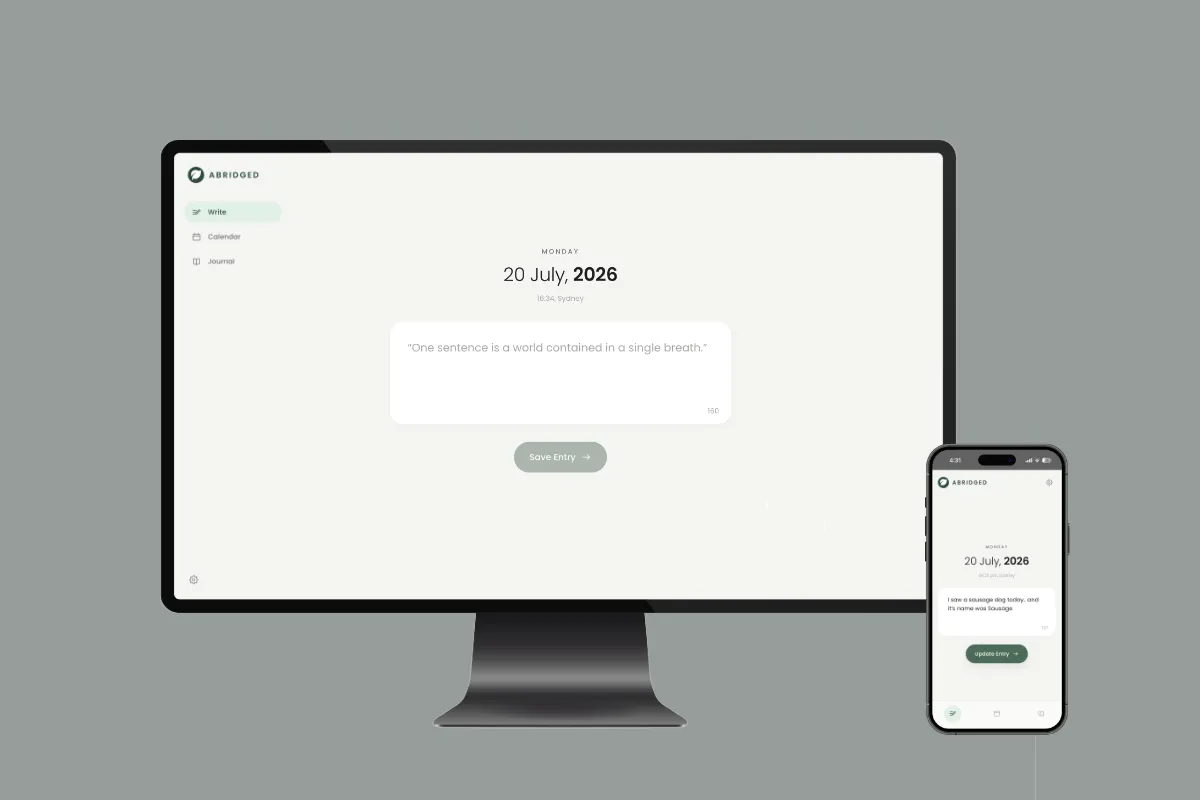
Abridged is a journalling app built around a single constraint: one sentence a day, 160 characters, and that's it. Most journalling apps fail because a blank page asks too much — the moment writing feels like a task, the habit dies. Capping the entry removes the decision about how much to write, so the only thing left to do is write the line.
Three views, one job each
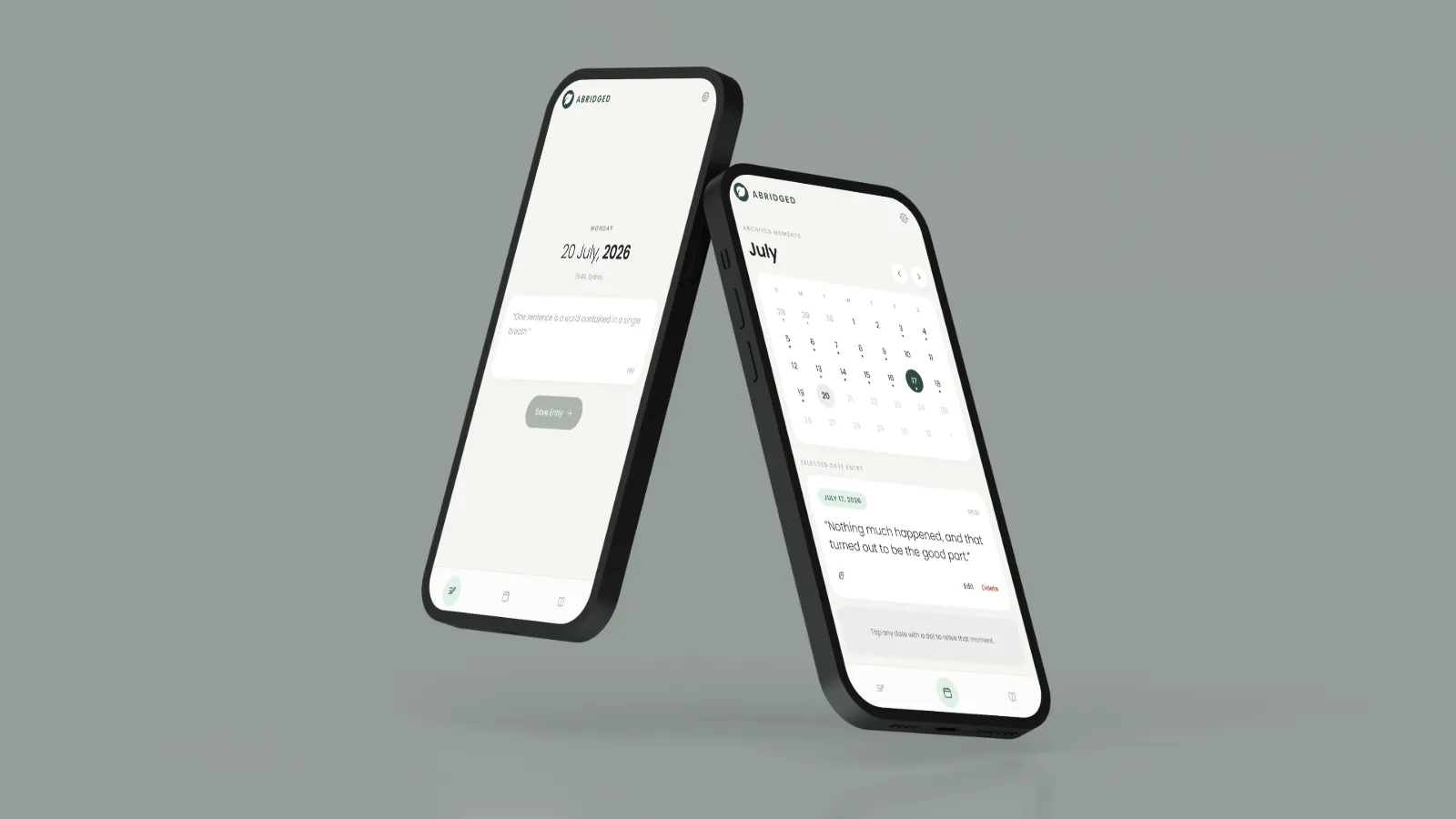
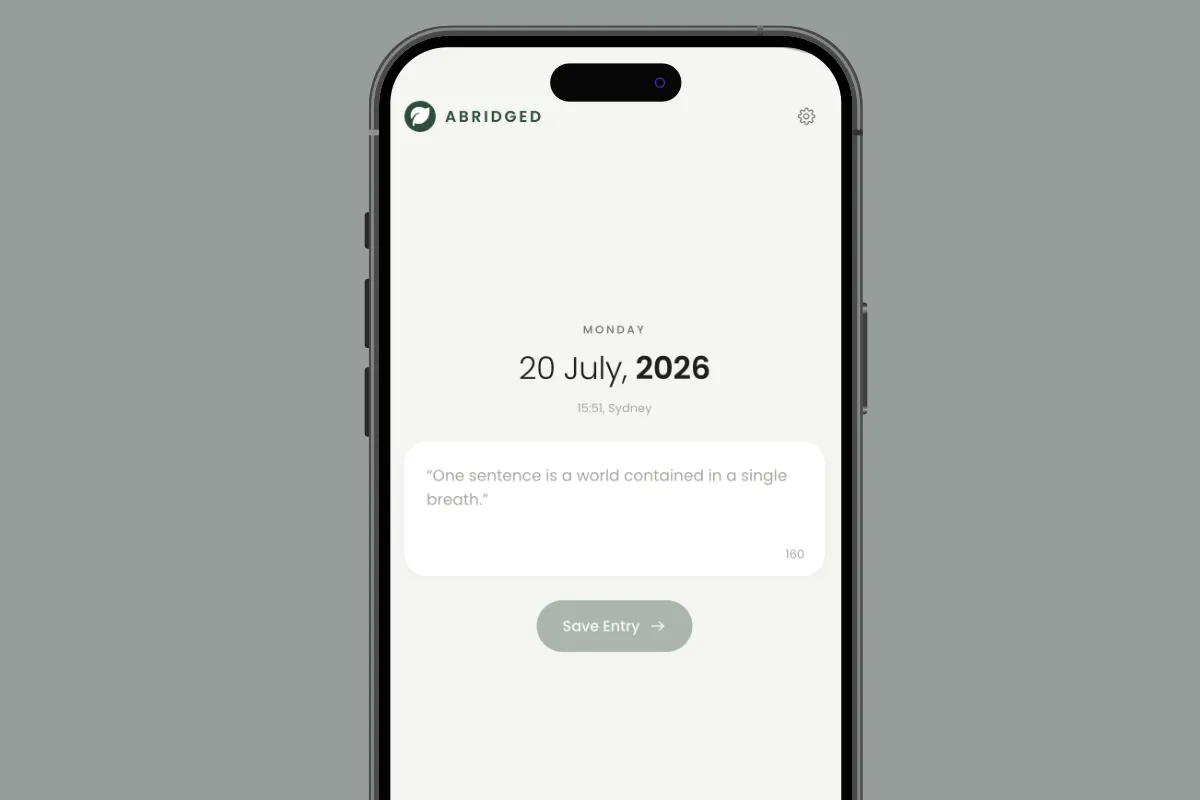
The app is deliberately small. Write opens on today's date with a single text field and a live character counter that shifts colour as you approach the limit — Enter saves, Shift+Enter adds a break. Calendar is a month grid with a quiet dot on every day that has an entry, so a filled month becomes its own reward; tapping a day reads, edits or deletes it, and past days can still be backfilled. Journal is the archive — every sentence in one column, newest or oldest first, paged in as you scroll, with search highlighting matches inline and filters narrowing to the last 30 days, this month or this year.
Saving nudges you straight to the calendar to see the new dot land. It's a deliberately small piece of feedback, but it's the one that makes the streak feel real.
Designing for calm
The visual language is warm paper and soft greens — an off-white ground, deep forest ink, mint accents, generously rounded cards and a rounded sans throughout. Nothing is red, nothing is urgent, and there are no badges or guilt mechanics for missed days. A journal that scolds you is a journal you stop opening.
One set of markup covers both platforms: mobile gets a bottom tab bar sized for thumbs with safe-area insets, and from 900px up the same structure becomes a left sidebar rail alongside a two-column calendar. The layout adapts without a second codebase.